In 1940, Ansel Adams and Fred Archer formalized a method for controlling the full tonal range of a black and white photograph. They called it the Zone System. It connected the luminance of a real-world scene to specific grey values on a finished print, and more than eighty years later it remains the most rigorous framework for anyone working in monochrome.
The core problem is simple. The world contains far more brightness range than any print can reproduce. A sunlit landscape might span fourteen stops; a fine art print on baryta paper gives you six or seven. You have to compress that range, and the Zone System is how you do it with intention rather than luck.
I first encountered the system properly in 1995, working through Adams' trilogy — The Camera, The Negative, The Print — in a rented apartment in Lyon. The books had been recommended by an older photographer at my local camera club in Paris, a man named Carlos Pareja who'd studied with Minor White in the 1960s. Carlos told me that if I couldn't explain every tonal value in my print by referencing its zone, I didn't understand my own photograph. That sounded extreme at the time. Thirty years later, I think he was being generous.
The Ten Zones
The system divides luminance into ten zones, numbered 0 through IX. Each zone is one stop of exposure. One stop doubles or halves the amount of light. The zones form a complete vocabulary for describing brightness, from the deepest printable black to pure paper white.
Zone 0 is absolute black: maximum paper density, no detail, no texture. On a silver gelatin fibre-base print, this is the darkest the emulsion can go. On an inkjet baryta, it's the D-max of the paper. You can't distinguish anything here. It's the visual floor.
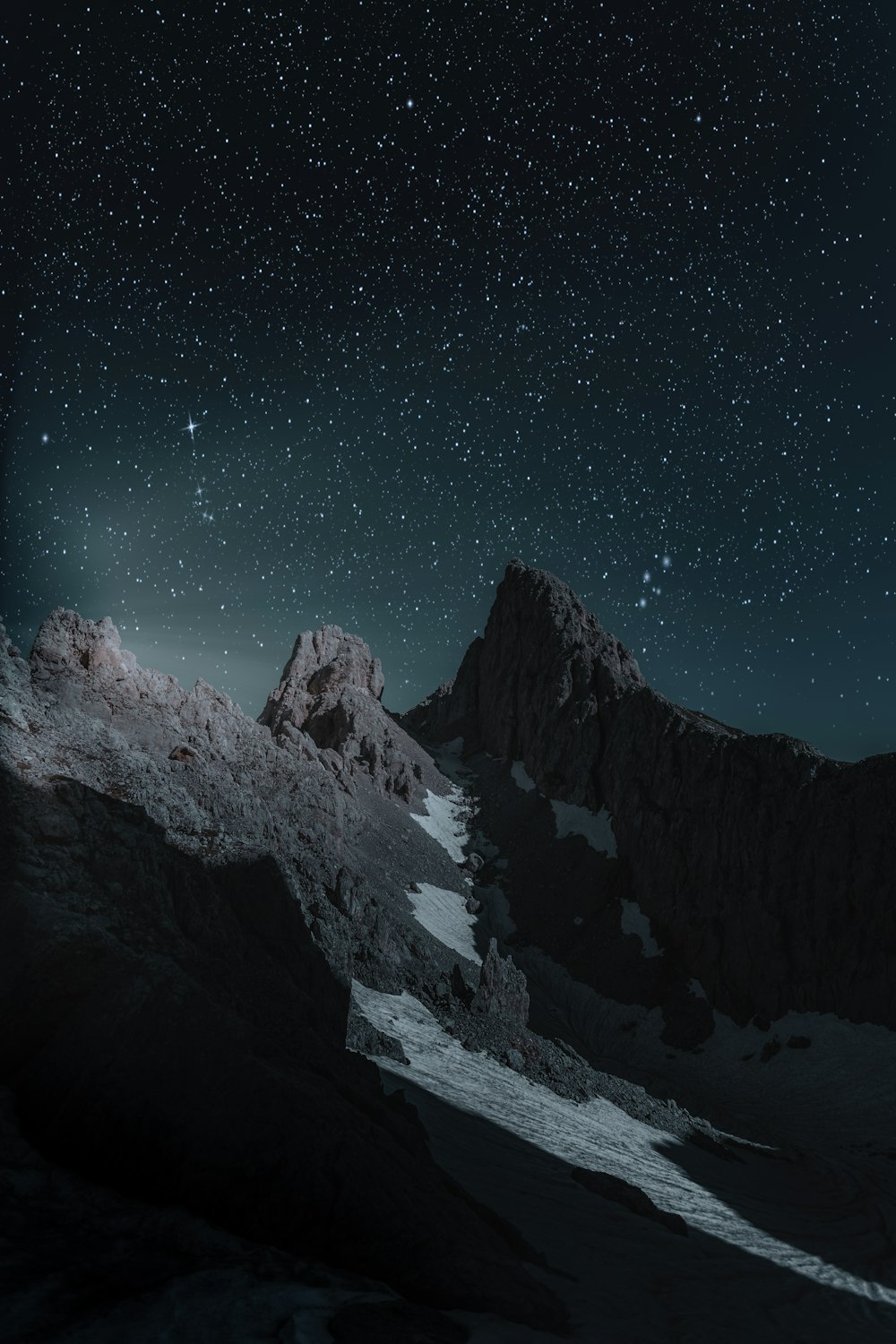
Zone I is near-black, the faintest suggestion of tone above total darkness. You can sense that something exists, but you can't identify what. In a landscape, this might be the inside of a deep cave mouth or the underside of a dense thicket at night.
Zone II is where texture first becomes faintly visible. Dark bark on a shadowed tree trunk. The folds of a black wool coat in dim light. You know there's a surface, but detail is more suggested than revealed.
Zone III carries full shadow detail. Adams considered this the critical shadow anchor, the darkest zone where texture reads clearly and unambiguously. A dark rock face with visible grain. A weathered wood fence in open shade. When I meter a scene, Zone III is usually my first placement decision: what's the darkest thing I need the viewer to read?
Zone IV is open shadow. Dark foliage in indirect light, the north side of a building on a sunny day, a shadowed brick wall. Plenty of detail, clearly readable, but still decidedly dark.
Zone V is middle grey, 18% reflectance, the fulcrum of the entire system. Your light meter assumes everything is Zone V. A grey card. Weathered concrete. Dark skin in open shade. The middle of the road, tonally speaking.
Zone VI is average light skin in open light, clear north sky, light stone. This is where most skin-tone placement happens in portraiture. Adams typically placed Caucasian skin on Zone VI; darker skin tones he'd place on Zone V or lower, depending on the person and the light.
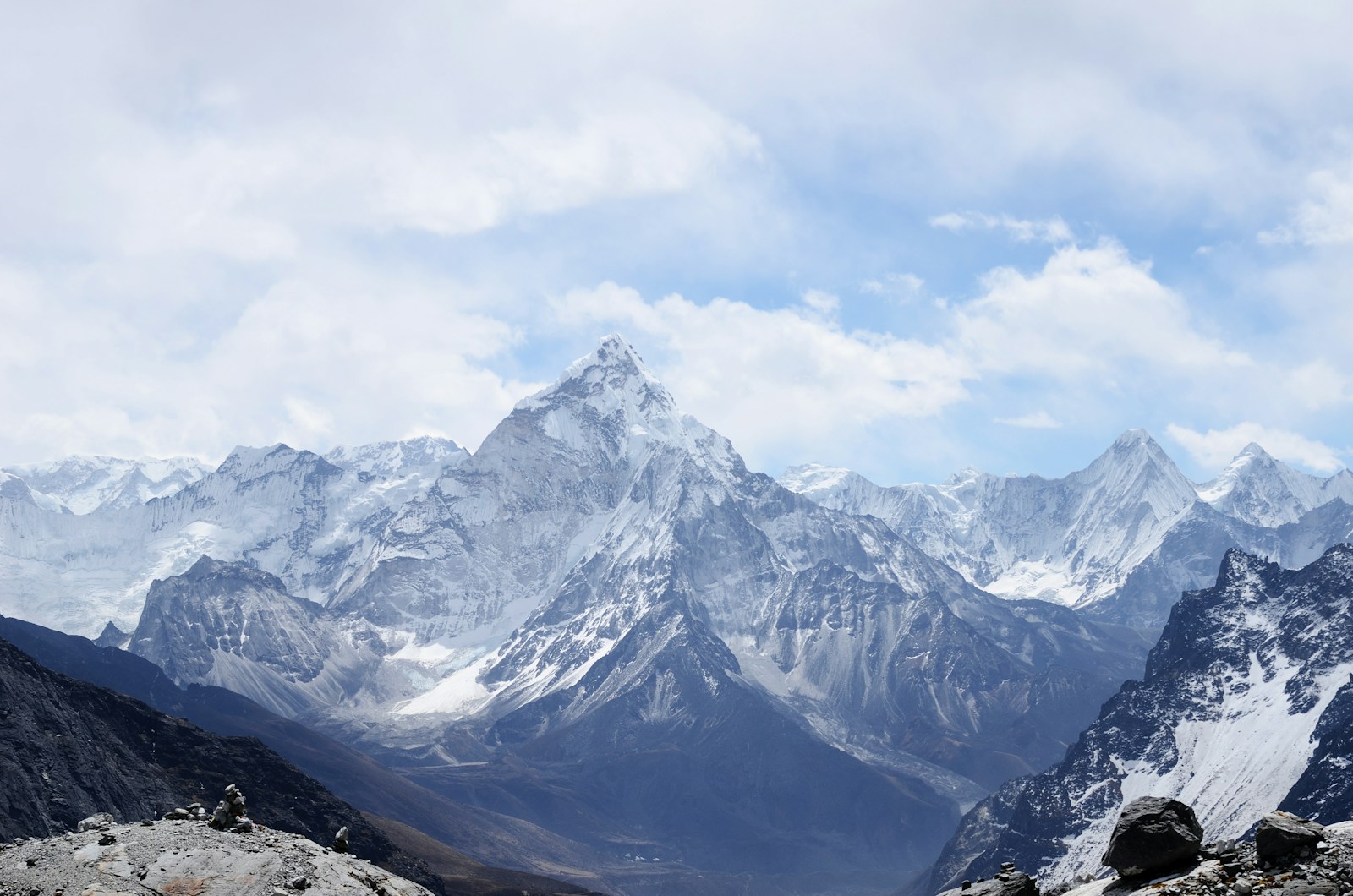
Zone VII is bright with full texture: sunlit snow with visible crystal detail, white fabric showing folds, bright sand with granular texture. The upper boundary of fully textured highlights. Many of my best landscape prints depend on Zone VII rendering correctly. If snow goes above VII, it starts losing the surface quality that makes it feel real rather than blown out.
Zone VIII retains only the last traces of texture. Lightest skin, bright white paper in direct light, snow in flat overcast conditions. You can still see that something is there, but barely.
Zone IX is paper white, pure and textureless. The lightest printable tone, essentially bare paper. Specular reflections, light sources, the sun itself.
Zone Memory Trick: Zones 0 and IX are the extremes (pure black, pure white). Zone V is the dead center at 18% grey. Zones III and VII are the critical texture boundaries: III is the darkest zone with full detail, VII is the brightest. Everything you do in zone-based exposure comes down to placing your key tones between III and VII and managing what happens at the extremes.
Metering: Reading Light with a Purpose
The Zone System needs a spot meter. Unlike matrix metering, which averages the scene and guesses what you want, a spot meter tells you exactly how bright a specific area is. You then decide where that brightness should land in the print.
I've used a Pentax Digital Spotmeter since 1998 and a Sekonic L-858D since 2020. Both do the same job: they read a one-degree angle of the scene and report an EV value. The Sekonic is faster, and it talks to my digital cameras wirelessly. But the Pentax, with its simple needle readout, taught me more about light than any other tool I've owned.
The technique: stand before the scene. Identify the darkest area where you need detail. Meter it. Identify the brightest area where you need texture. Meter it. The difference in stops is your subject brightness range. If the shadow reads EV 8 and the highlight reads EV 15, you have a seven-stop range. Your paper can handle six or seven zones of textured detail (III through VII or VIII). The arithmetic tells you immediately whether the scene fits, or whether you'll have to sacrifice one end.
I learned this the hard way in Patagonia in 2003. Shooting the Perito Moreno glacier at midday, I metered the ice face and placed it on Zone VI, thinking it was a bright mid-tone. I forgot to meter the shadowed crevasses. Back in the darkroom, the crevasses had fallen to Zone 0: pure black, no detail. Three rolls of Tri-X, an eighteen-hour bus ride, and the glacier's most dramatic feature was gone. Last time I ever exposed without metering both ends.
Zone Placement Decisions in the Field
Metering gives you the data. Placement is the creative act. You place one tone on a chosen zone, and every other tone falls on its corresponding zone based on its measured brightness difference.
Here's a concrete example. I'm standing in front of a stone church in Provence, late afternoon. The shadowed wall reads EV 9. The sunlit limestone reads EV 14. The dark doorway reads EV 6. The bright sky reads EV 16. That's a ten-stop range from doorway to sky.
If I place the shadowed wall on Zone III (dark but detailed), the sunlit limestone falls on Zone VIII (barely textured), the doorway falls on Zone 0 (black, no detail), and the sky falls on Zone X (off the scale, pure white). That's one interpretation: dramatic, high-contrast, losing the doorway and sky.
If instead I place the sunlit limestone on Zone VII (bright with full texture), everything shifts down one stop. The shadowed wall becomes Zone II (barely textured), the doorway becomes... well, it's still gone. But the sky drops to Zone IX (paper white but not blown). Different trade-offs. Different image.
The point is that you make these decisions before the shutter fires. You look at the meter readings, visualize where each tone will land, and choose the interpretation that serves the image you want to make. In 2014, I spent a week photographing Romanesque churches in Burgundy. By the third day I had a routine: meter the interior shadow (place on III), meter the exterior stone through the doorway (check where it falls), and decide if I needed to sacrifice the interior detail for exterior texture or vice versa. Nine times out of ten, I chose to hold the shadows and let the exterior go bright. The dark interiors were the story.
N-Minus and N-Plus: Controlling Contrast at Capture
Adams didn't just control where tones landed. He controlled how far apart they were. A high-contrast scene got "N-minus" development: reduced time in the developer, which compressed highlight densities while leaving shadows relatively intact. The highlights came down; the shadows stayed put. A low-contrast scene got "N-plus" development: extended time, which expanded the density range so a flat scene would fill the paper's tonal capacity.
In practical terms, N-1 development brought Zone VIII highlights down to Zone VII density. N-2 brought them down to VI. N+1 pushed Zone VII highlights up to VIII. Adams used this routinely. His famous Mount Williamson, Sierra Nevada, from Owens Valley, California (1944) was an N-2 negative: the extreme brightness range of the desert boulders against the snow-capped peaks was compressed to fit the paper without losing texture in either end.
In digital, we don't have development time. We have highlight recovery, shadow opening, and local tone mapping. The tools changed. The thinking hasn't. When I process a RAW file and pull the highlight slider down, I'm doing N-minus. When I open the shadows, I'm compensating for what N-plus development would have given me. The Zone System vocabulary still applies perfectly to the decisions I'm making on screen.
N-Development Equivalents in Digital:
N-1: Pull highlights by roughly 1 stop using highlight recovery. Shadow values remain largely unchanged.
N-2: Aggressive highlight compression (2 stops). May require local adjustments to keep midtone contrast from going flat.
N+1: Boost contrast by lifting highlights and deepening shadows. Works well for fog, overcast, and low-contrast interior scenes.
N+2: Strong contrast expansion. Careful with noise in lifted shadows. Use luminance masking to control it.
The Histogram as Zone Map
Think of the histogram as a zone map laid on its side. Far left is Zone 0, far right is Zone IX. Each major division is roughly one zone. Read it this way and you stop seeing an abstract graph; you start seeing the tonal structure of your print.
When I review an image on the back of my camera, I don't look at the histogram the way most digital photographers do. I don't care whether it's "properly exposed" in some generic sense. I look at where the peaks sit relative to the zones I intended. If I placed my key shadow on Zone III, I expect to see a cluster of data about three-tenths of the way from the left edge. If it's sitting further left, I underexposed. If the rightmost data is piling up against the far right wall, my highlights have blown past Zone IX.
Frankly, I think "expose to the right" has done more damage to B&W photography than any other piece of internet advice. It optimizes for noise reduction at the expense of tonal intention. If your subject is a dark forest interior that should live in Zones II through V, pushing the exposure right to minimize shadow noise means your midtones land on Zone VII and your shadows on IV or V. You've captured technically cleaner data, but the emotional weight of the scene is gone. The darkness was the point. Expose for the print you want, not for the cleanest histogram.
I tested this obsessively in 2018 with a Nikon Z7, shooting the same granite cliff face in Torres del Paine at three different exposures. The ETTR version had cleaner shadows, yes. But it took twenty minutes of processing to get the tonal feeling back to what I saw in the field. The zone-placed exposure needed almost no adjustment. The time I saved in post-processing more than compensated for a fraction of a stop more shadow noise that was invisible in the print anyway.
Practical Zone-Histogram Reading: Divide your histogram into ten equal segments. If your key shadow sits in the Zone II-III region, you've preserved shadow detail. If your brightest textured highlight sits at Zone VII-VIII, you've preserved highlight detail. The span between those two points is your effective tonal range on paper. A good B&W exposure places the important tones within this span and allows the extremes to clip if necessary.